

How to Rotate a PDF and Save It Permanently
Rotating in a PDF viewer is temporary. Save the turn in the file with Rotate PDF, then check it stuck. Tested on a sideways slide deck and a budget report.
Practical, no-fluff help for everyday document tasks.
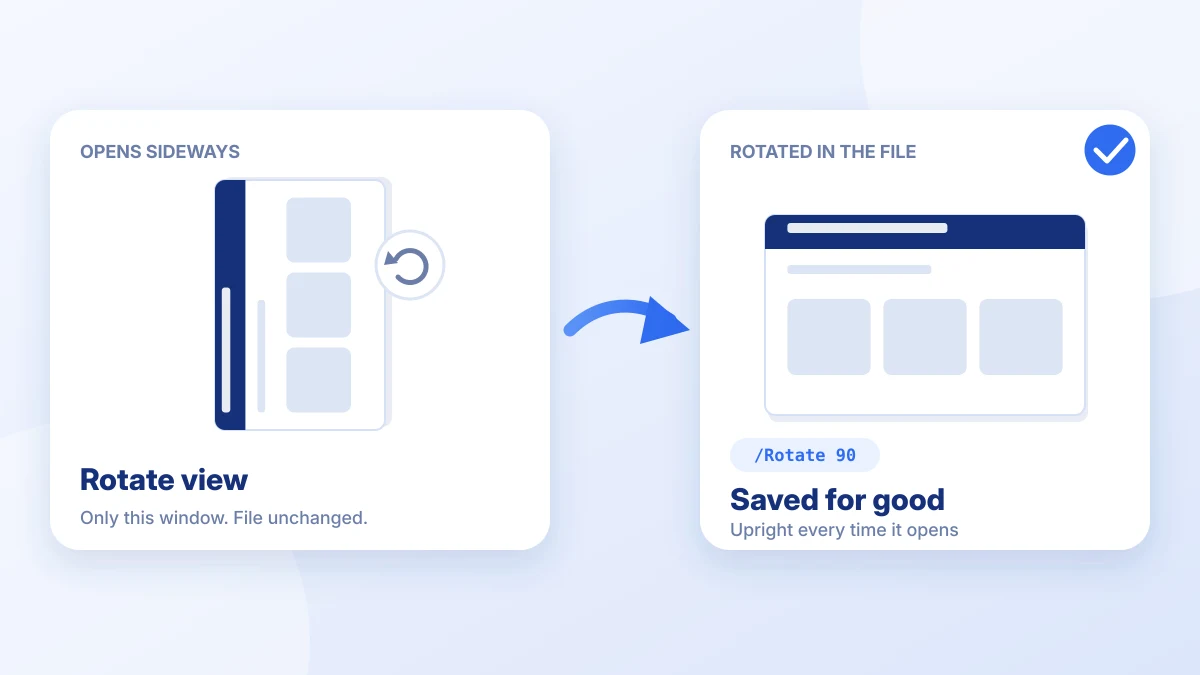
Rotating in a PDF viewer is temporary. Save the turn in the file with Rotate PDF, then check it stuck. Tested on a sideways slide deck and a budget report.
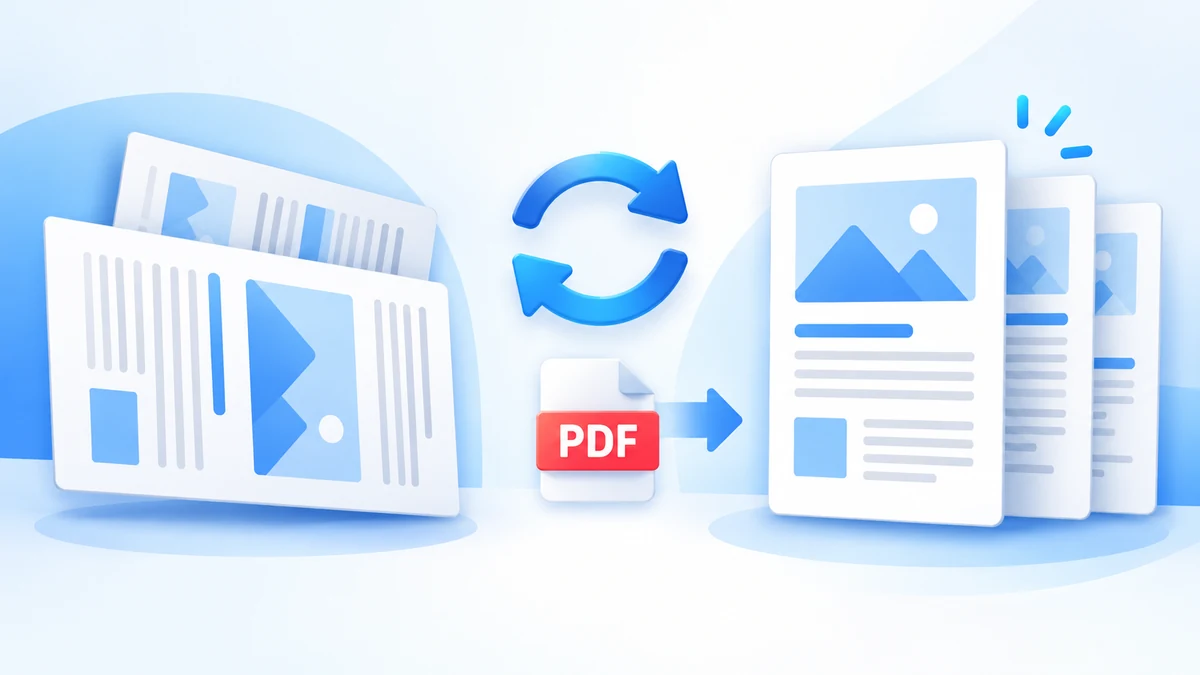
Turn individual pages or all pages of a PDF 90° at a time. Tested on a 12-page file: only the chosen page changed, bookmarks kept and nothing re-compressed.
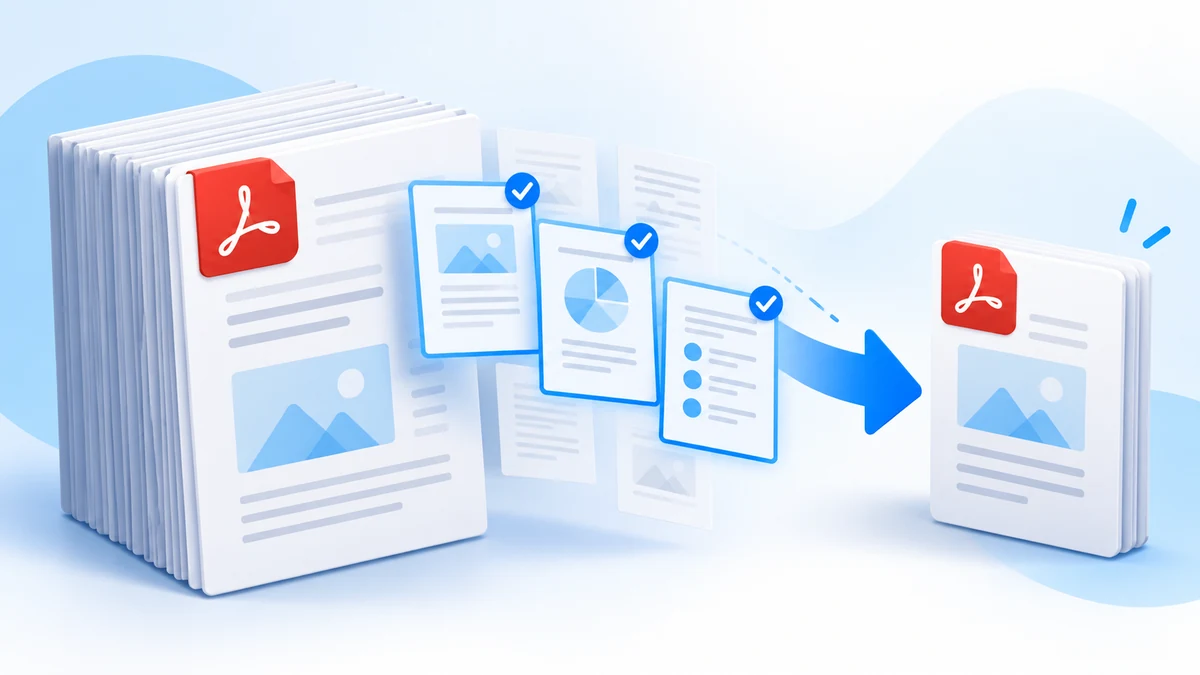
Plan a page range, extract non-consecutive pages into a new PDF, and check that confidential pages, bookmarks and links did not come along. Tested example.
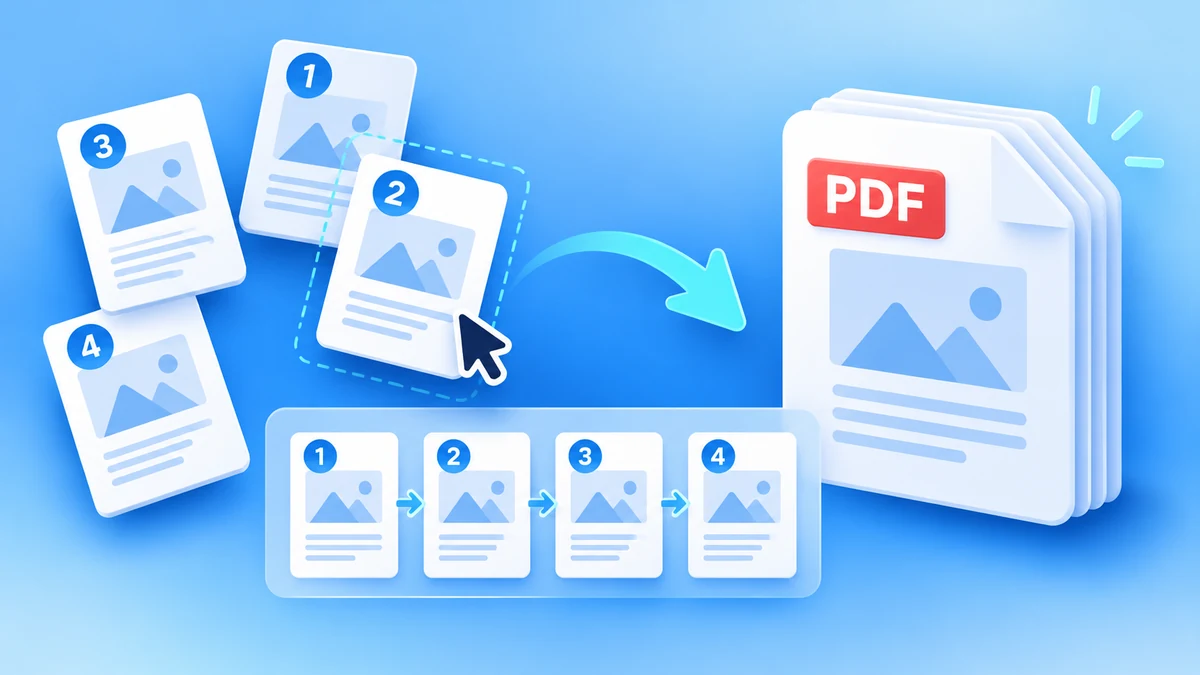
Put a document packet in the right order with page thumbnails: move, rotate, duplicate or delete pages, fix a merged file, and check what changes.
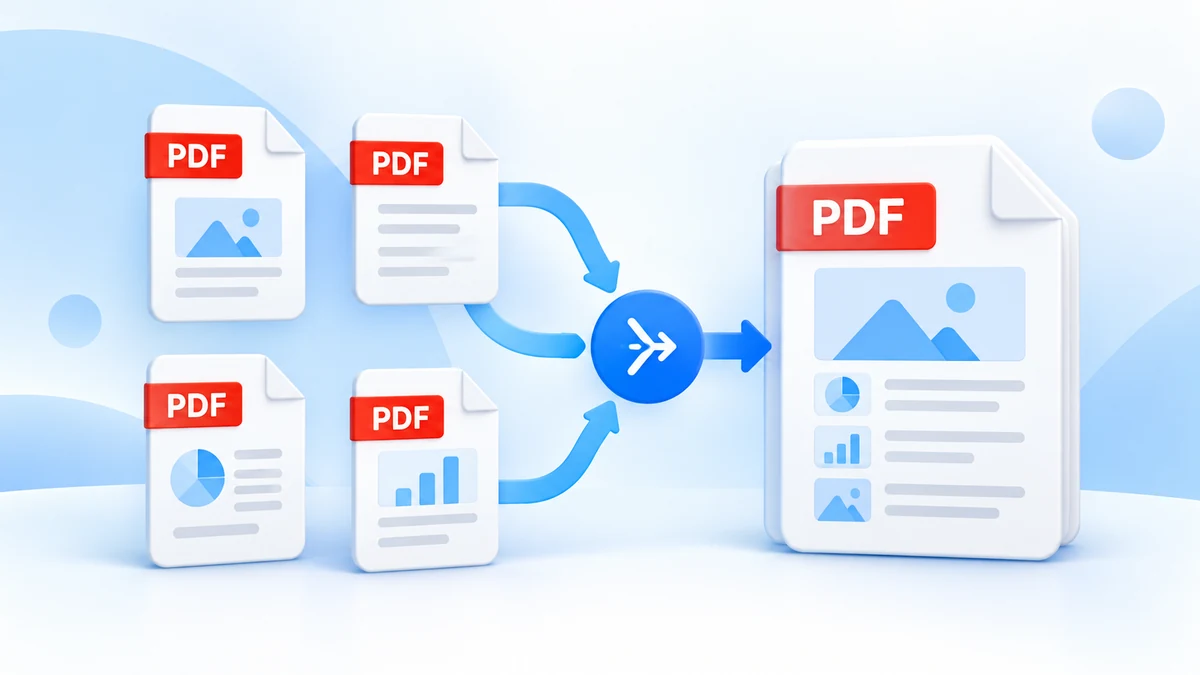
Merge several scans into one PDF, then fix upside-down pages, remove blank backs and check mixed page sizes. A tested two-step workflow, with its limits.
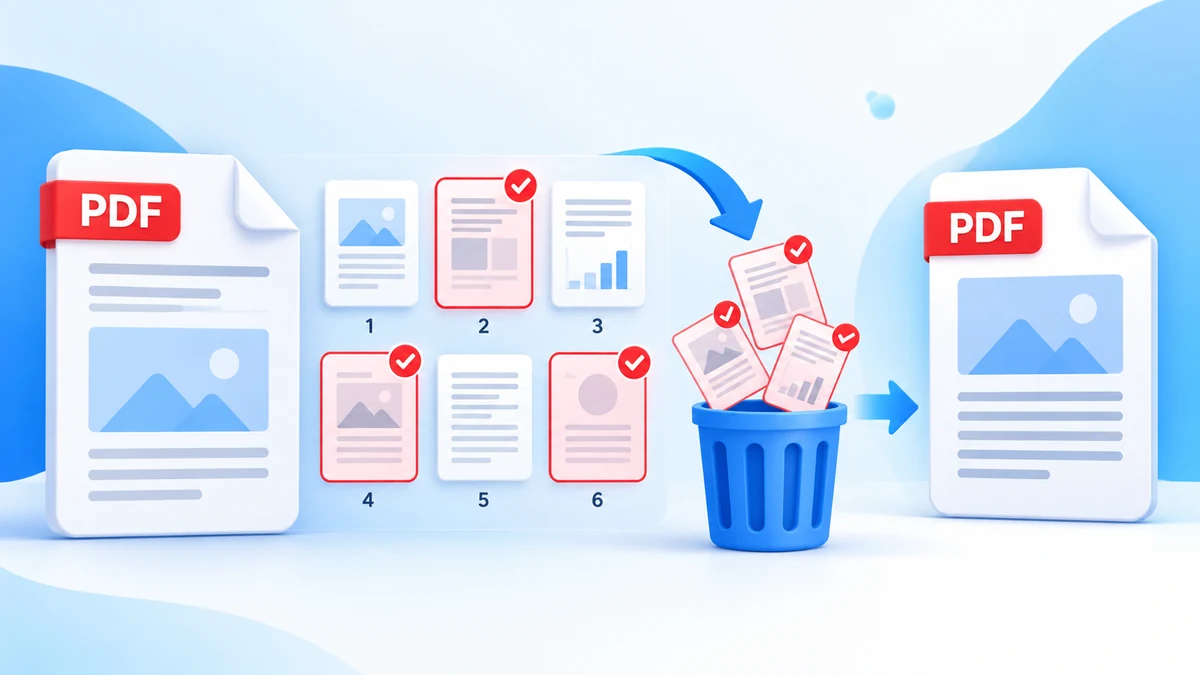
Find the right pages to remove, delete them without touching the original, then check page numbers, contents links and bookmarks. Tested on a 12-page file.
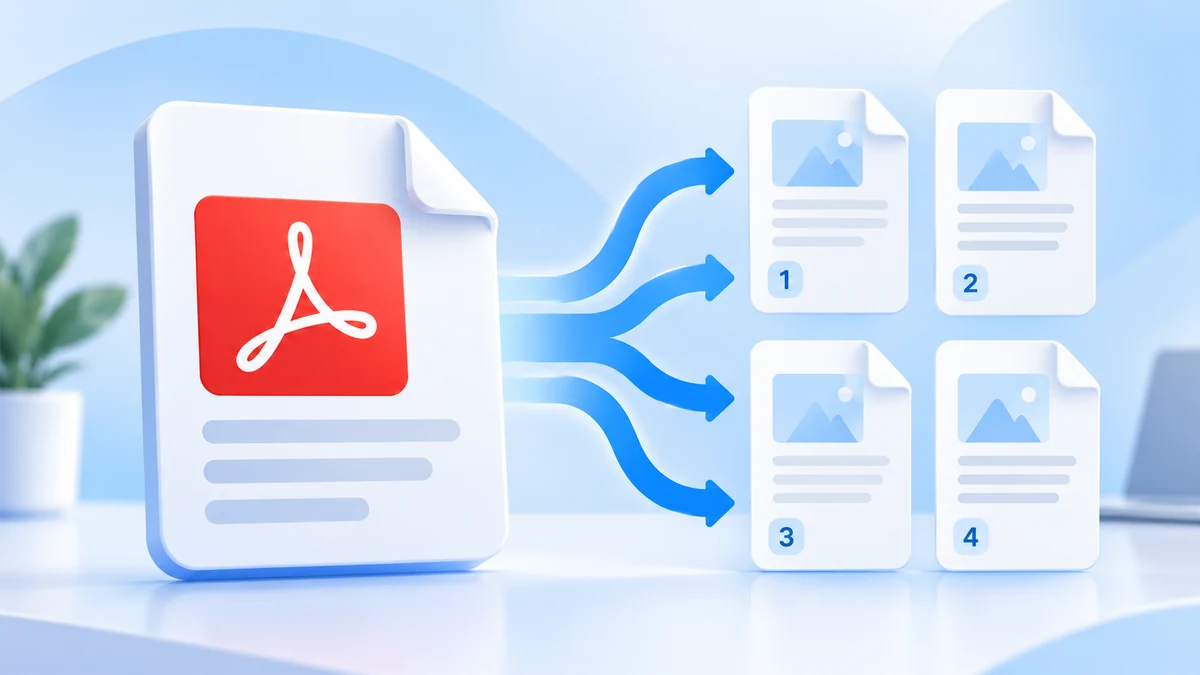
Break a PDF into parts by page ranges, fixed chunks or single pages. Tested on a 12-page file, with the output names and a size surprise for scans.
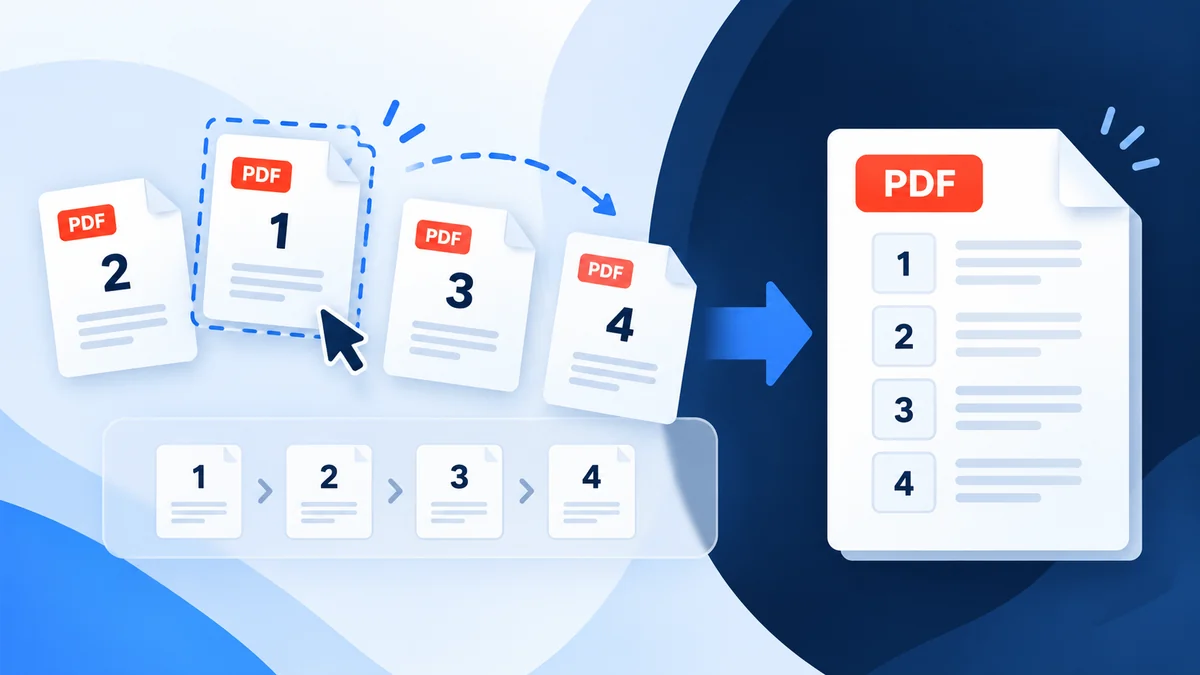
Name files so they sort correctly, set the order in Merge PDF, and know when to fix order afterwards. Includes a real Sort A–Z pitfall we found in testing.
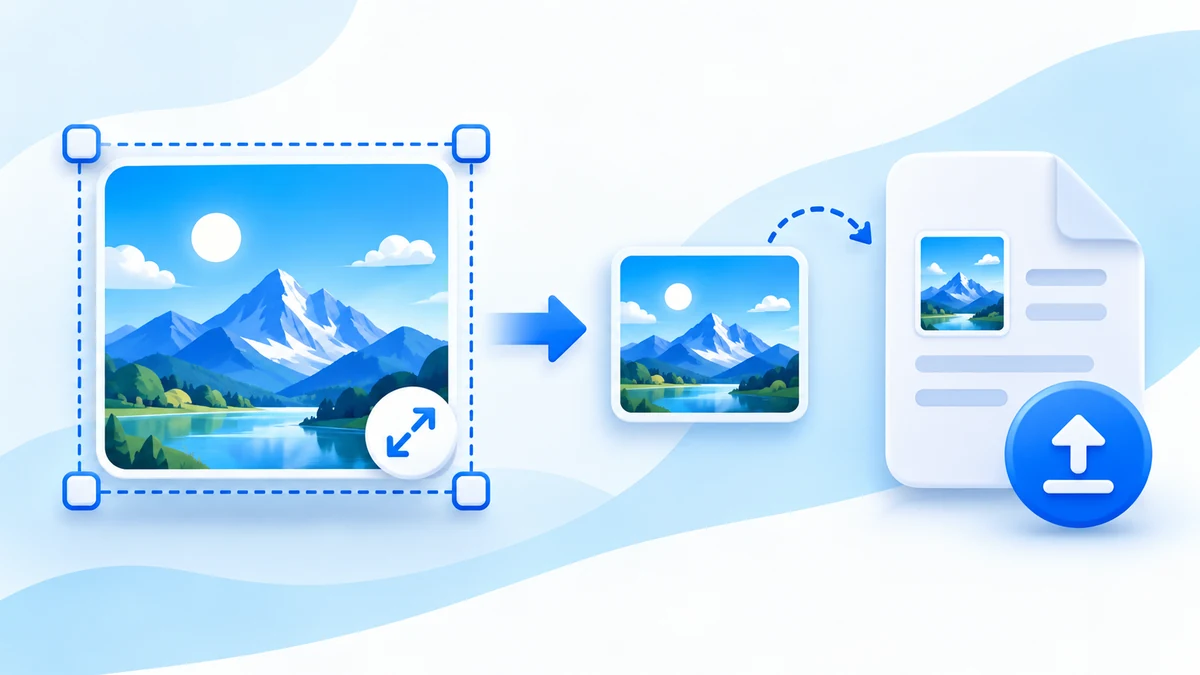
Fit a photo under 20, 50, 100 or 200 KB or to an exact pixel width. Tested with a 4 MP phone photo, PNG screenshots and a batch, with real sizes.
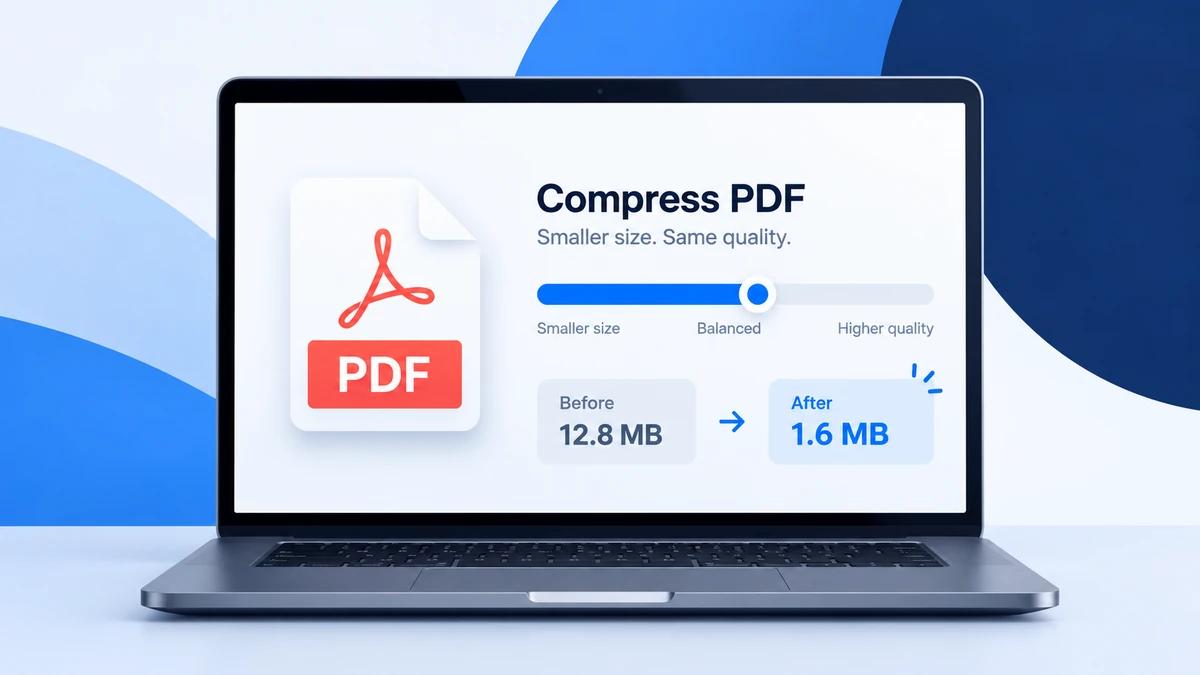
Light, Balanced or Strong? What each PDF compression preset really changes, tested on a 2.99 MB report: 0%, −89% and −97%, and how to judge the result.
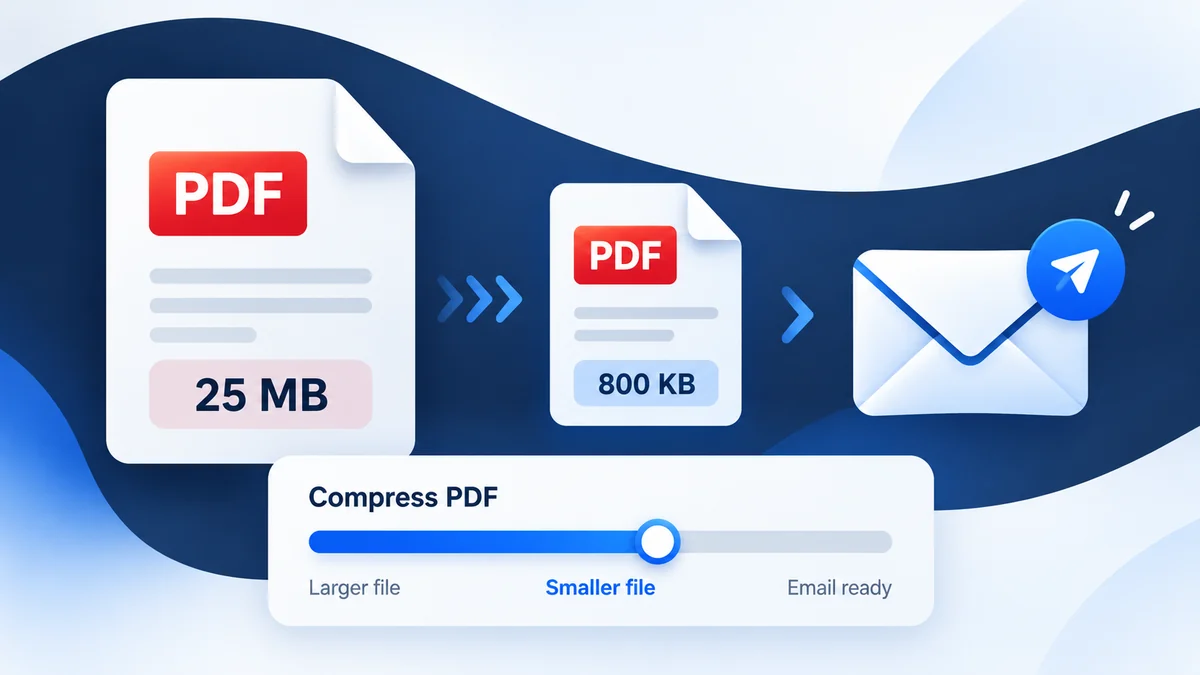
Get a PDF under an email attachment limit with the 1 MB target, and why splitting a scan can make the total bigger. Tested on a 6.17 MB scan.
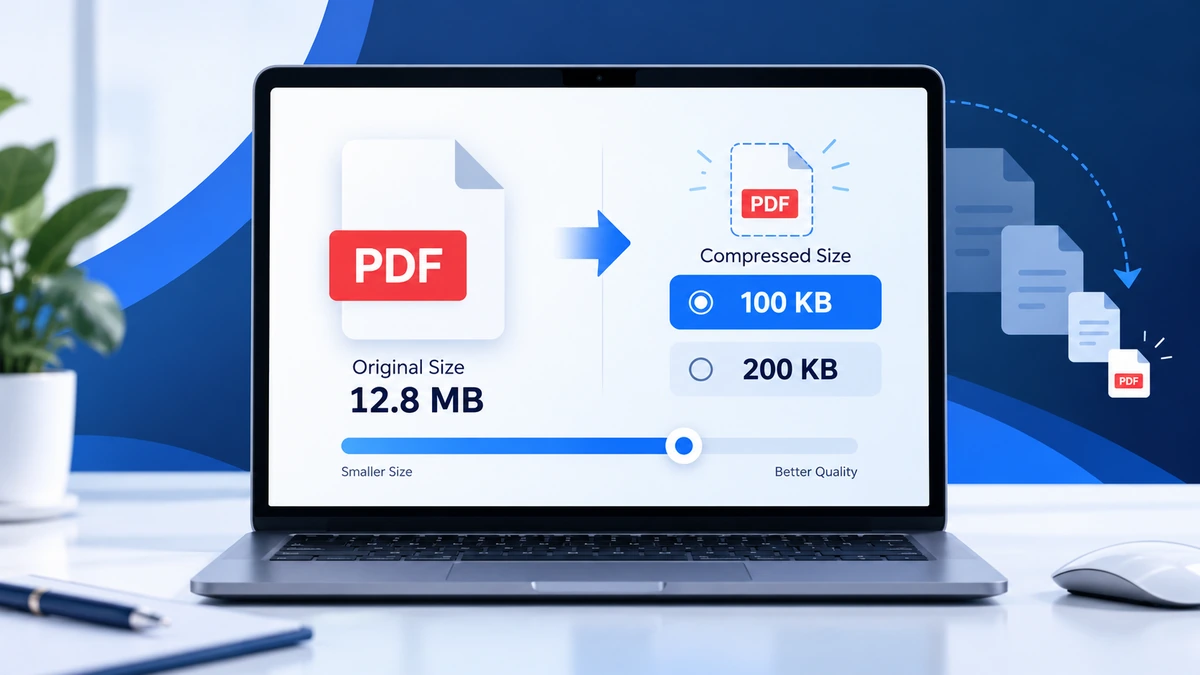
Get a PDF under a 100 KB or 200 KB upload limit. We squeezed a 6.17 MB scan to 184 KB, 87 KB and 42 KB and kept the text, and show what to do if it won’t fit.
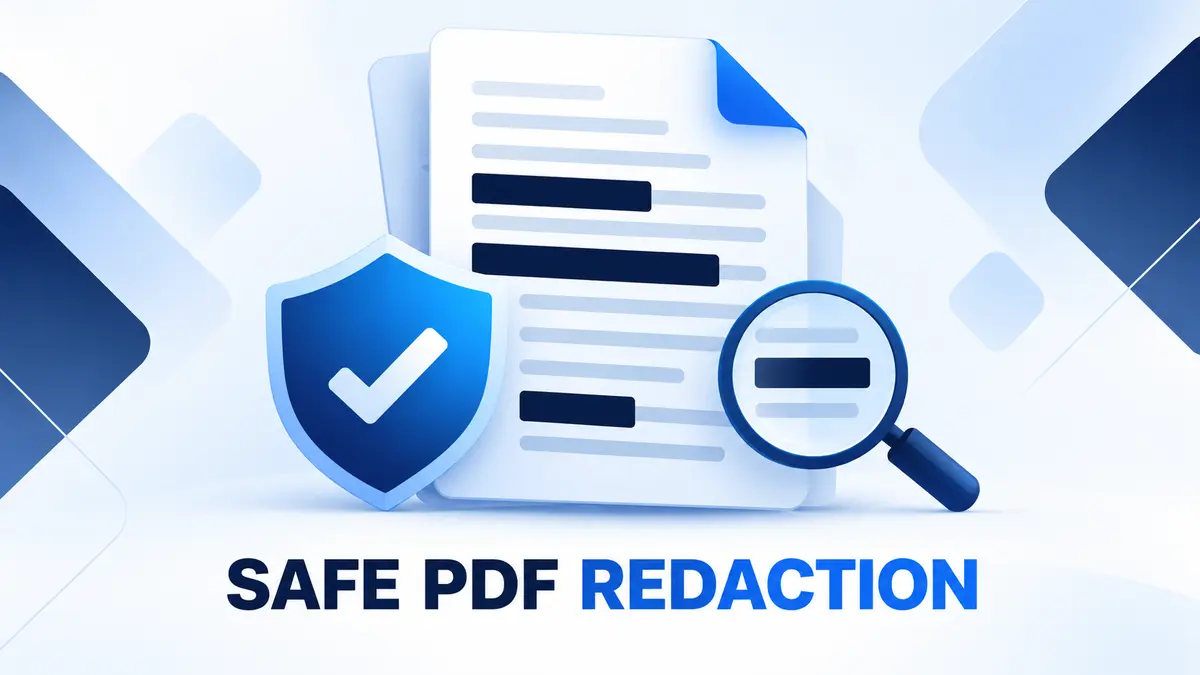
Learn why black boxes and cropping may not remove PDF data, then follow a safer workflow to redact, flatten, verify, and share sensitive files.

Unlock a protected PDF so it opens without a password. Tested: the wrong-password message, what is kept after unlocking, and what this tool will not do.
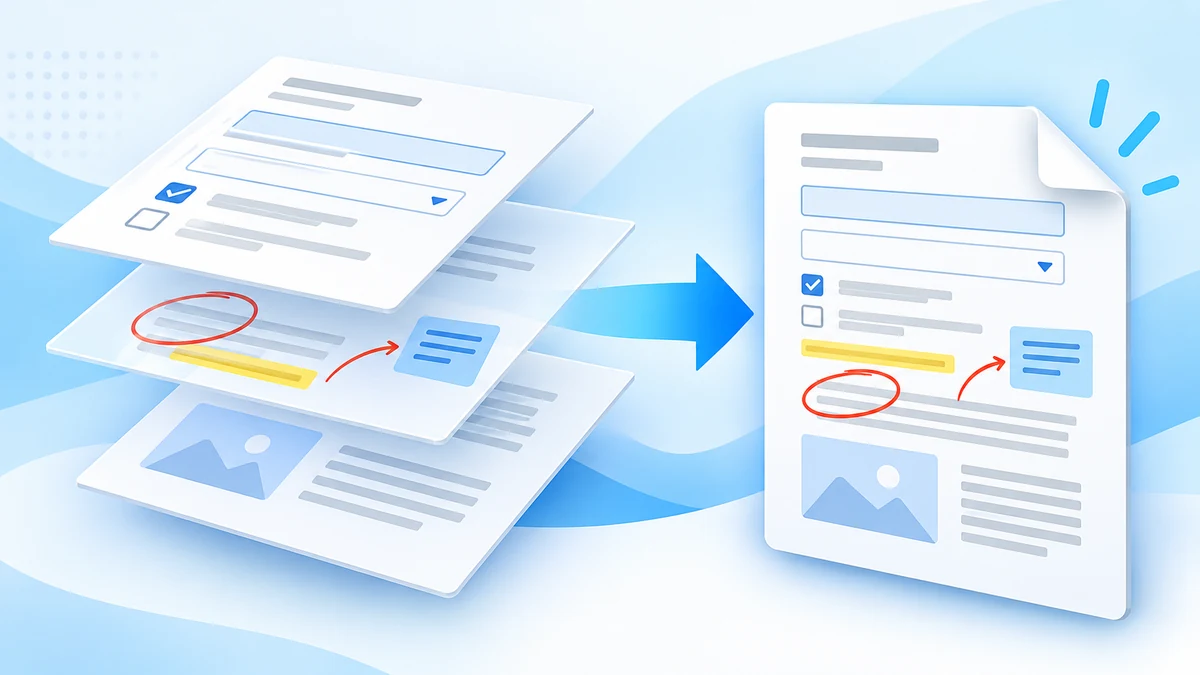
Lock filled-in form fields so they cannot be changed, or turn pages into images. Tested on a 3-field form: what each mode keeps, removes and costs.

Add an open password with AES-256 encryption and optional print, copy and edit restrictions. Tested and verified, with the limits of permission flags explained.
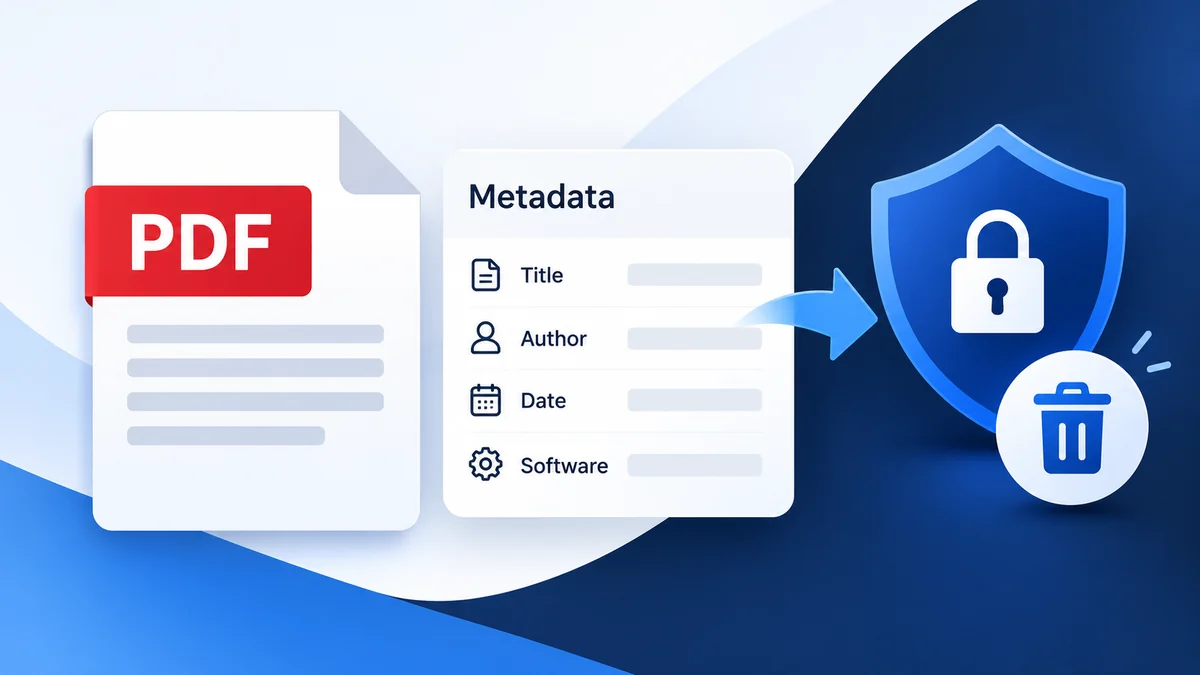
What PDF metadata is (title, author, creator, dates, XMP), what it can reveal, and how to view, edit or remove it in your browser. Tested, before and after.
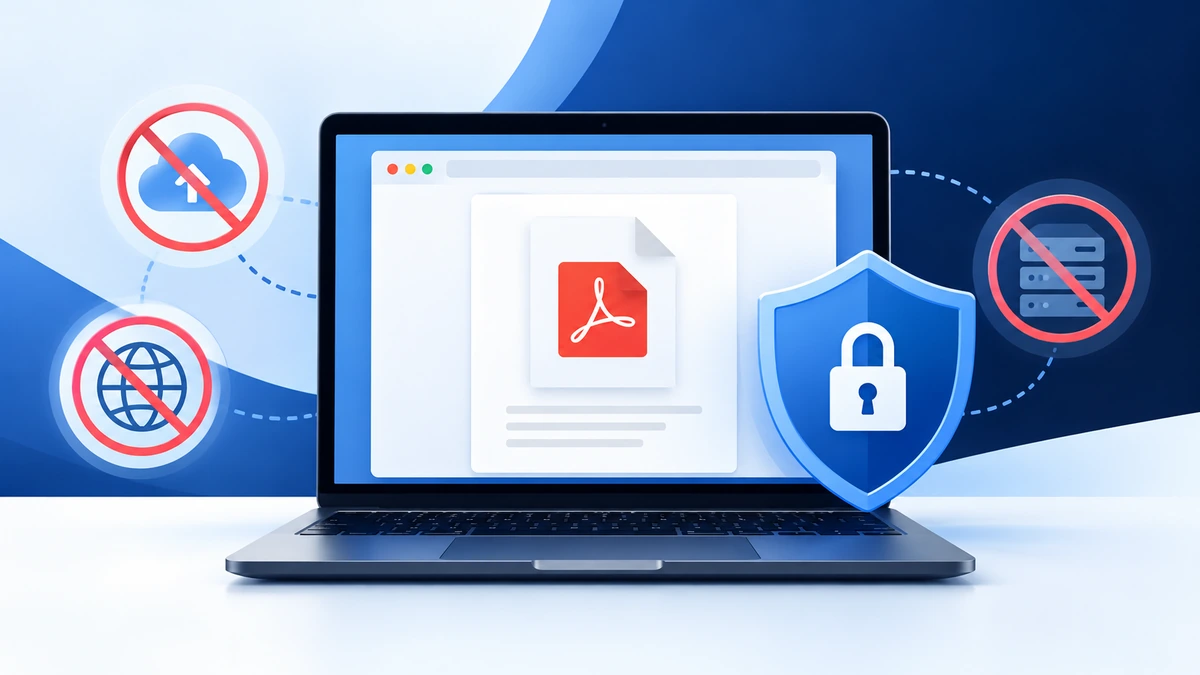
What happens to files in online PDF tools, the real risks, and three ways to check whether a tool processes files locally – plus the test we run on PDFroo.
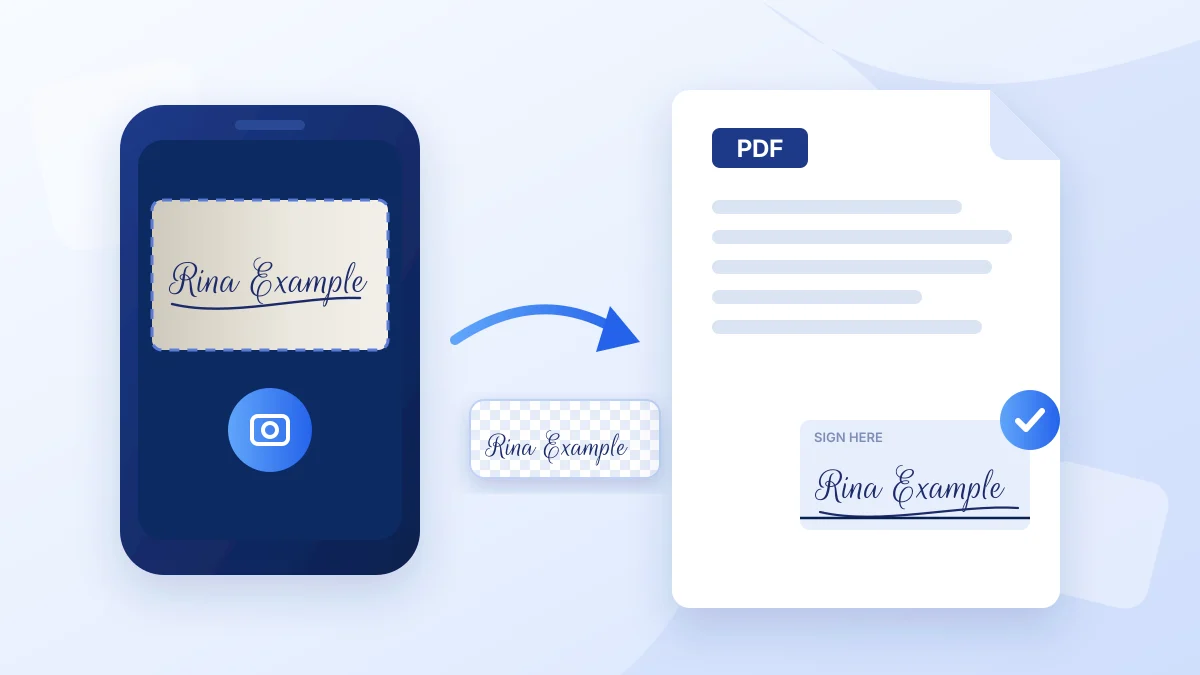
Turn a phone photo of your handwritten signature into a clean, see-through signature on a PDF. We tested six photos: what worked and what left a box.
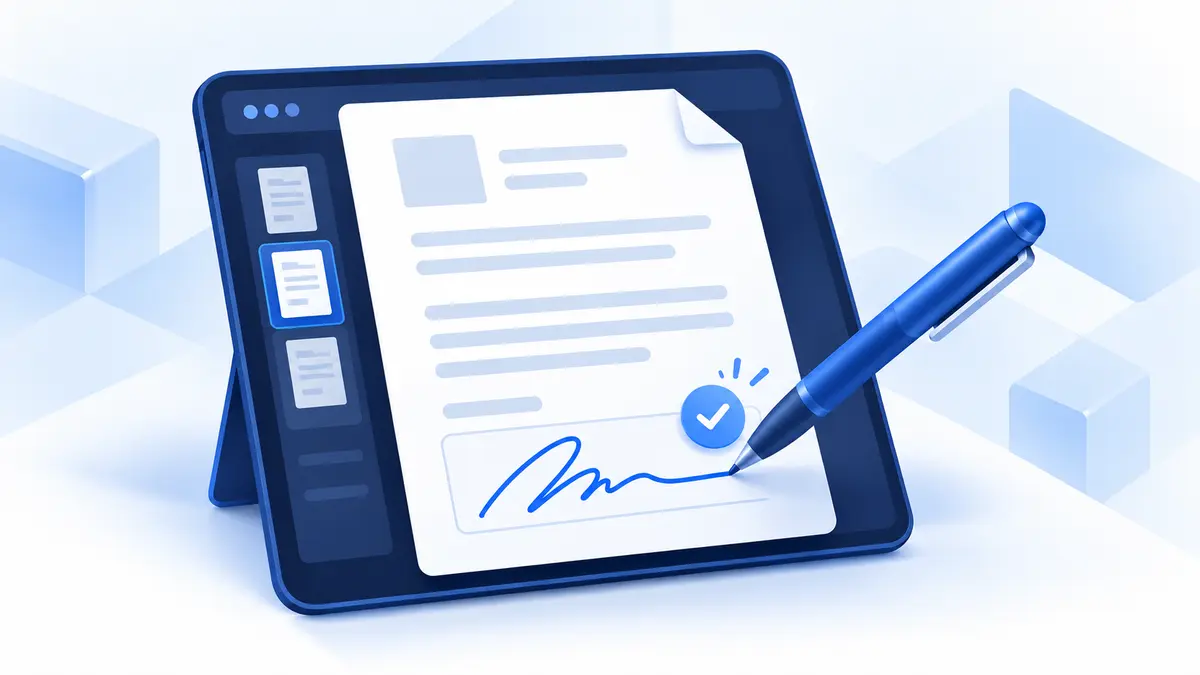
Sign a PDF in your browser: draw, type or upload a signature and place it on the page. Tested, with what this kind of signature is and isn’t.
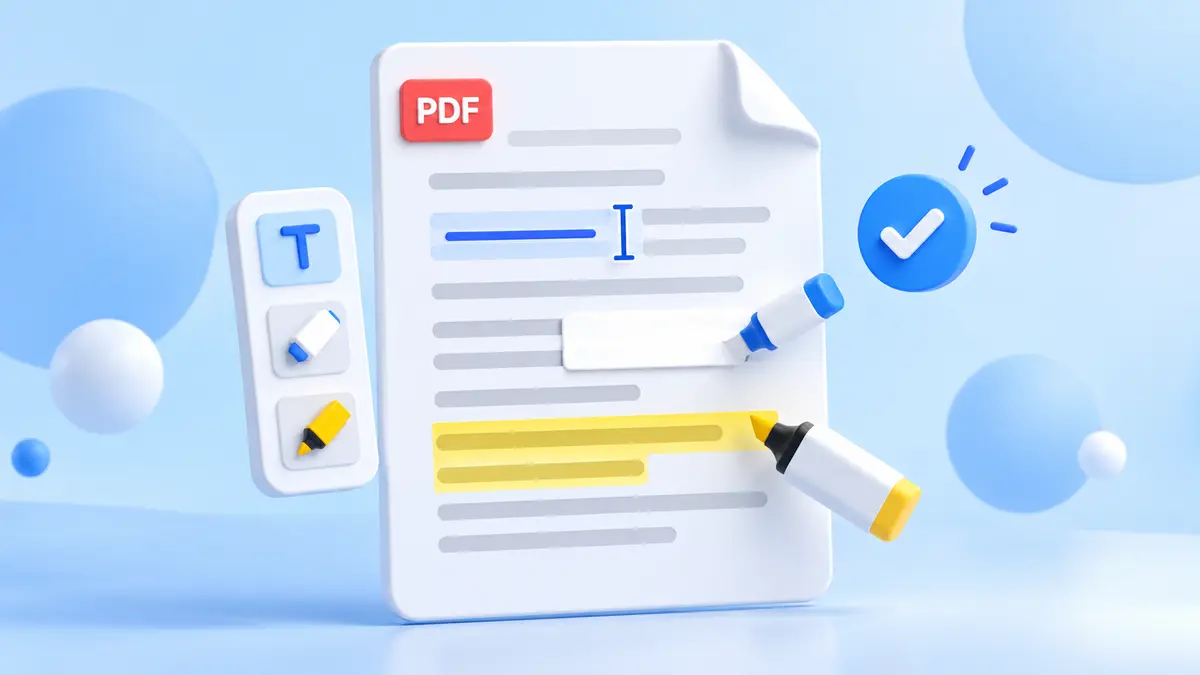
Type on a PDF, cover areas with white boxes or highlight text. Tested: the white box hides text visually, but the covered words remain in the file.
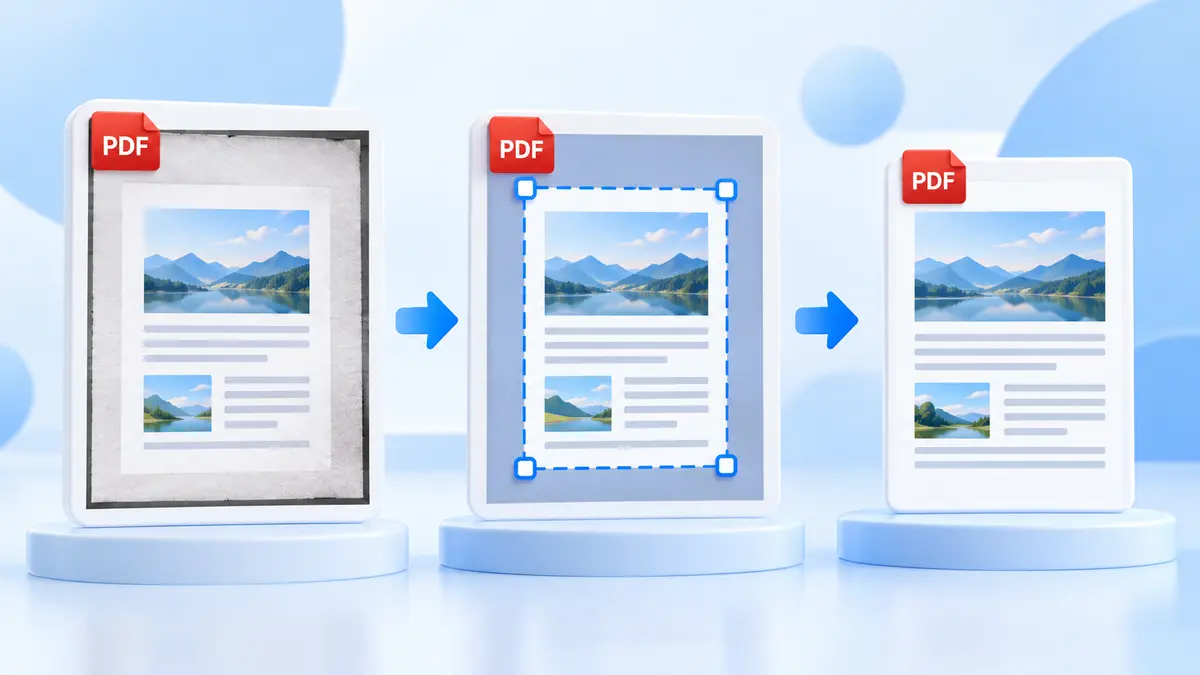
Trim white margins or scanner edges from one page or all pages. Tested: the crop box changes what is shown, but the cut-off text is still inside the file.
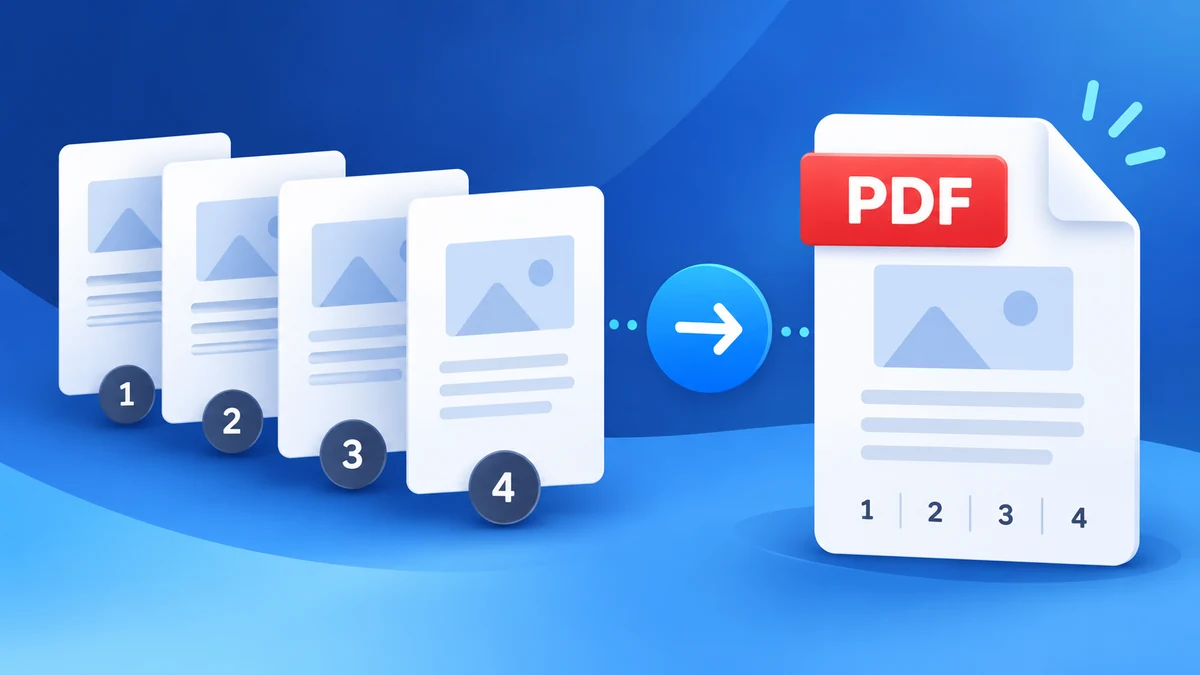
Choose a page number format, skip a cover page, set a start number and check landscape or merged pages, with a tested walkthrough of PDFroo.
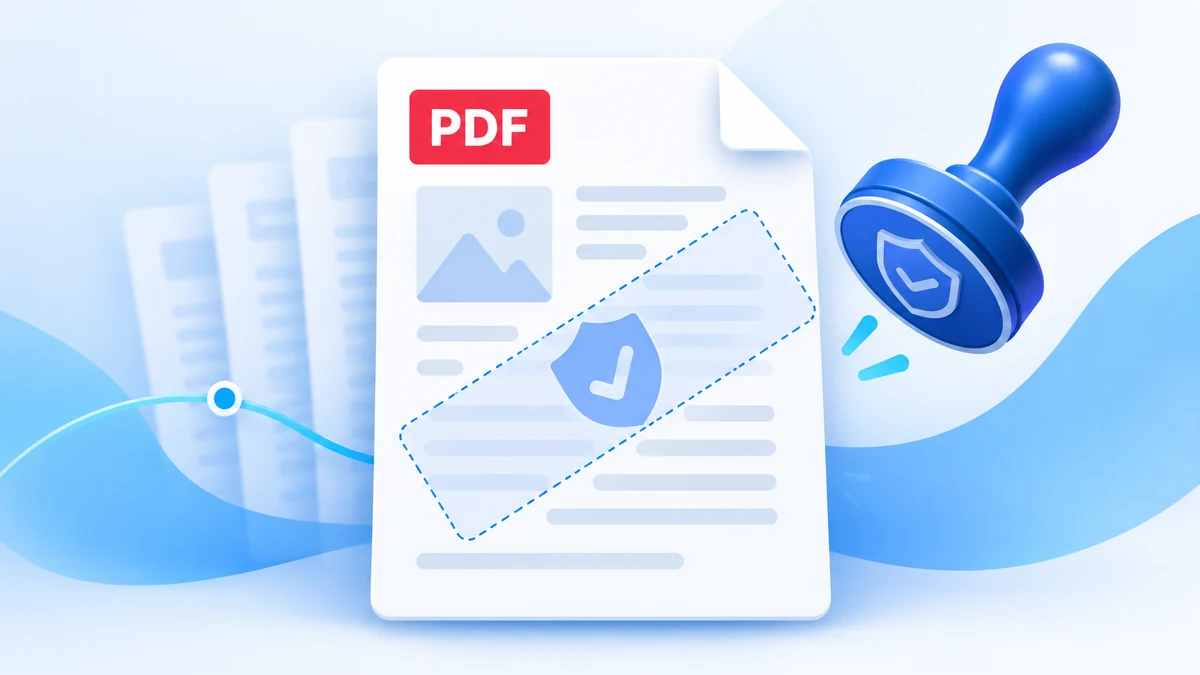
Mark a PDF as DRAFT or add a logo with PDFroo: opacity, angle, tiling, page ranges, what a watermark can and cannot do, and how to check the result.
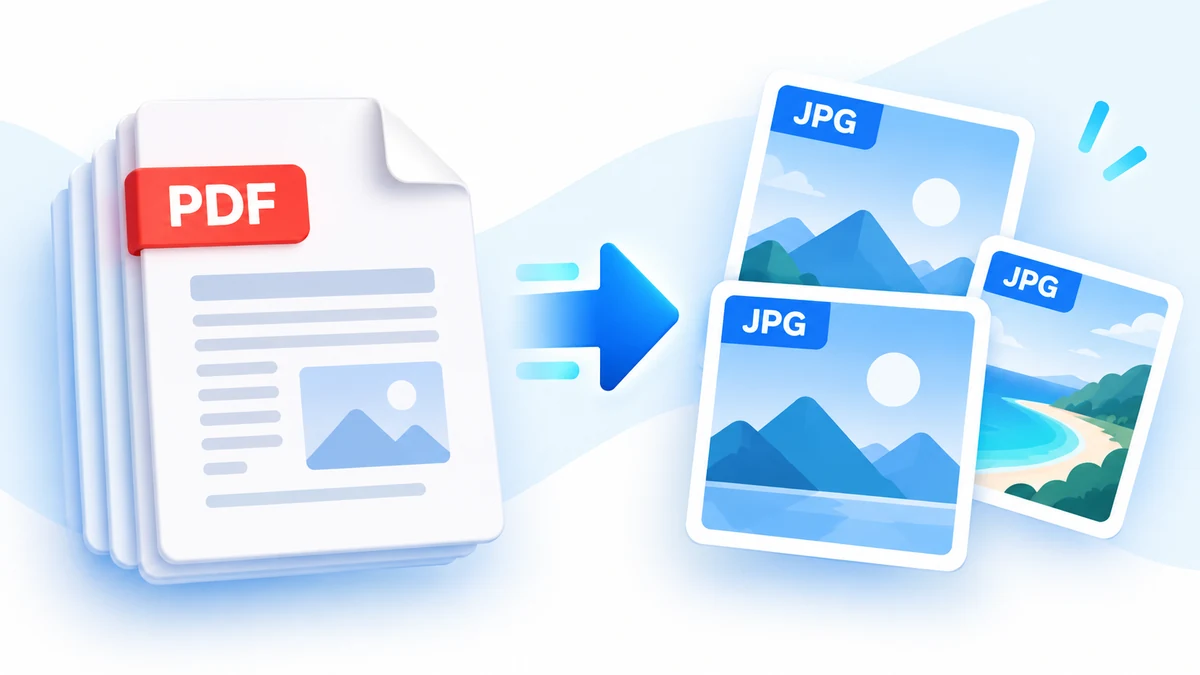
Export one page or a range as JPG images at 72, 150, 220 or 300 DPI. Tested: what each resolution produced, when you get a ZIP, and how big the files are.
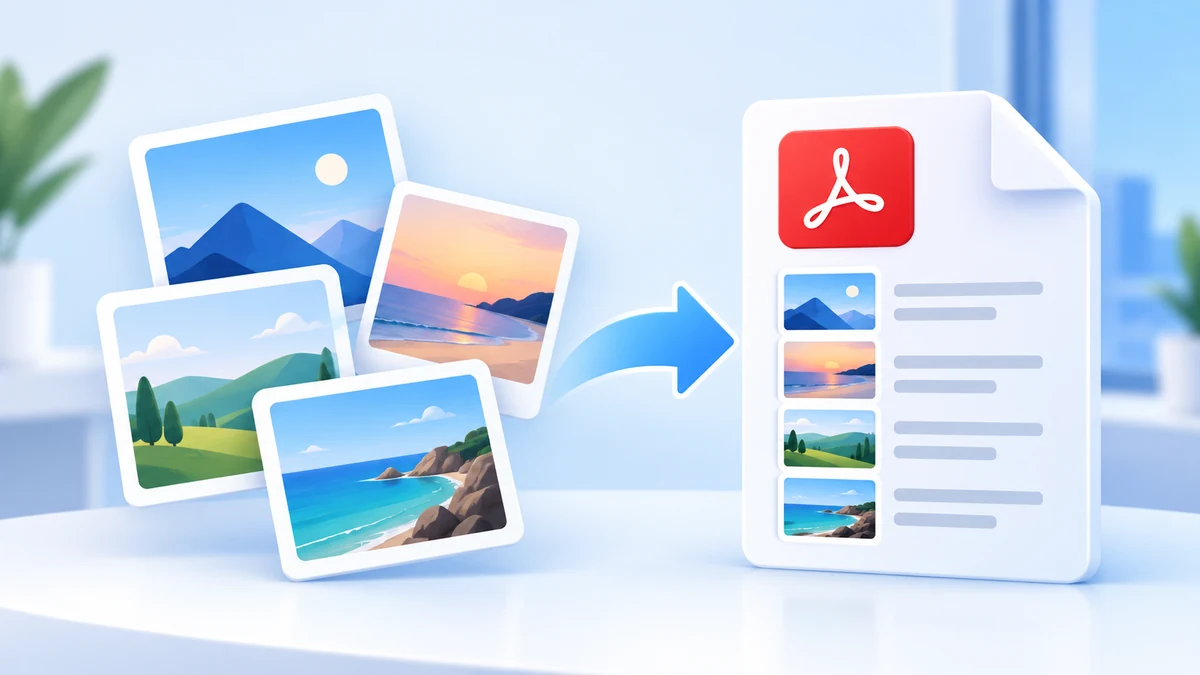
Turn several photos into one PDF with the right page size and order. Tested with three images: what A4, Letter and Fit image do, and why the PDF is so big.
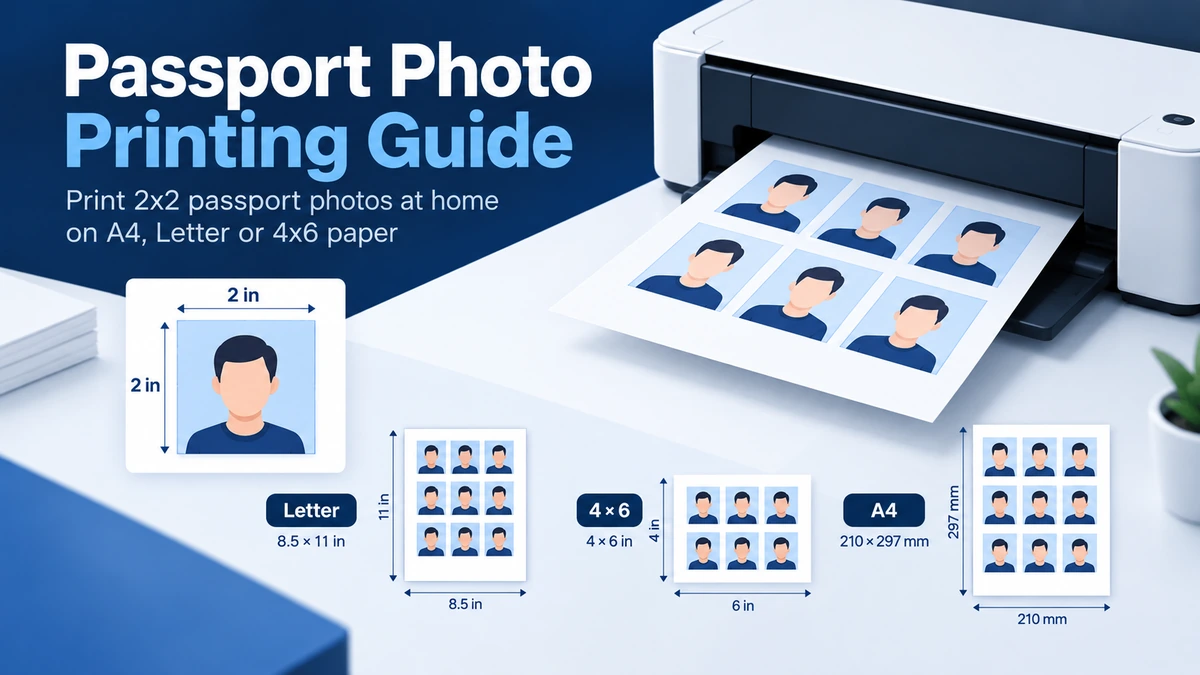
Make a print-ready A4 sheet of passport photos (35×45 mm, 2×2 in and more). Tested: 25 copies at about 300 DPI, plus the printer setting that keeps the size.
Prepare a PDF for long-term archiving by checking text, page order, metadata, forms, compression, file naming, backups, and PDF/A requirements.
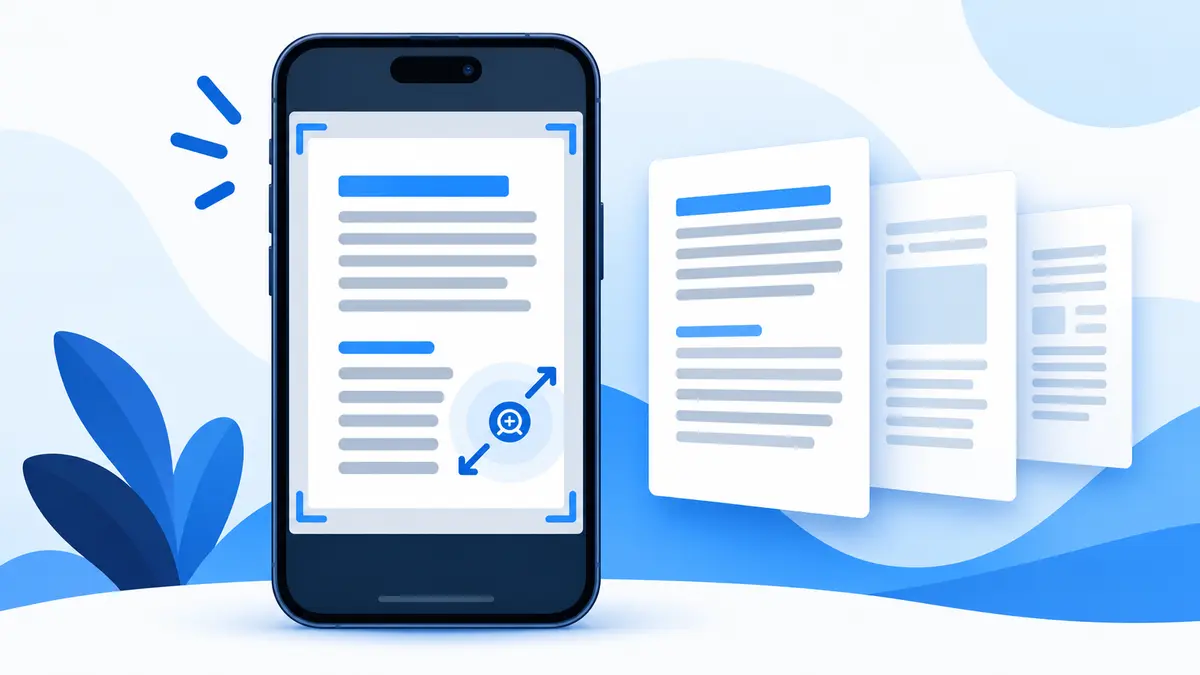
Make a PDF easier to read on a phone by fixing orientation, cropping wide margins, splitting long files, and preserving clear searchable text.
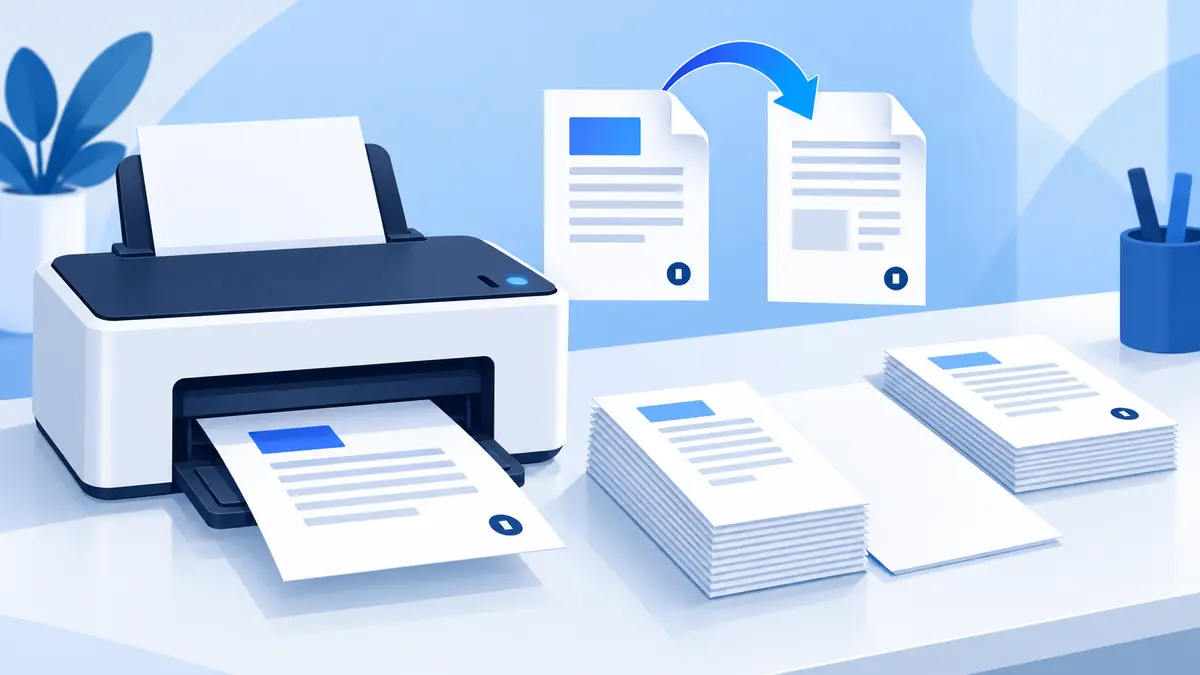
When you print several documents double-sided, an odd page count makes the next one start on the back. Tested: inserting a blank page with Organize PDF.
Learn why PDF text becomes an image, which editing methods preserve selectable text, and how to check a PDF before sharing or archiving it.
Prepare a PDF for an online application by checking page order, readability, privacy, file size, and upload requirements before final submission.
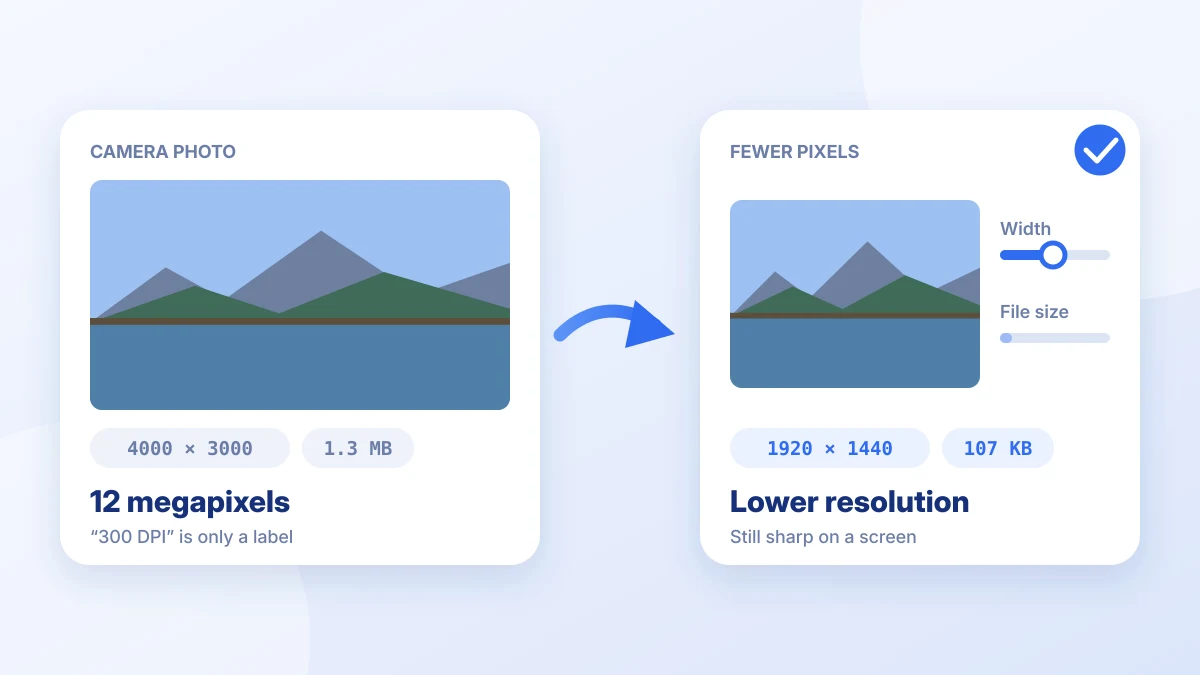
Lower an image’s resolution by changing its pixels, not the DPI number. Tested on a 12 MP photo, a text screenshot and a batch, with exact sizes.
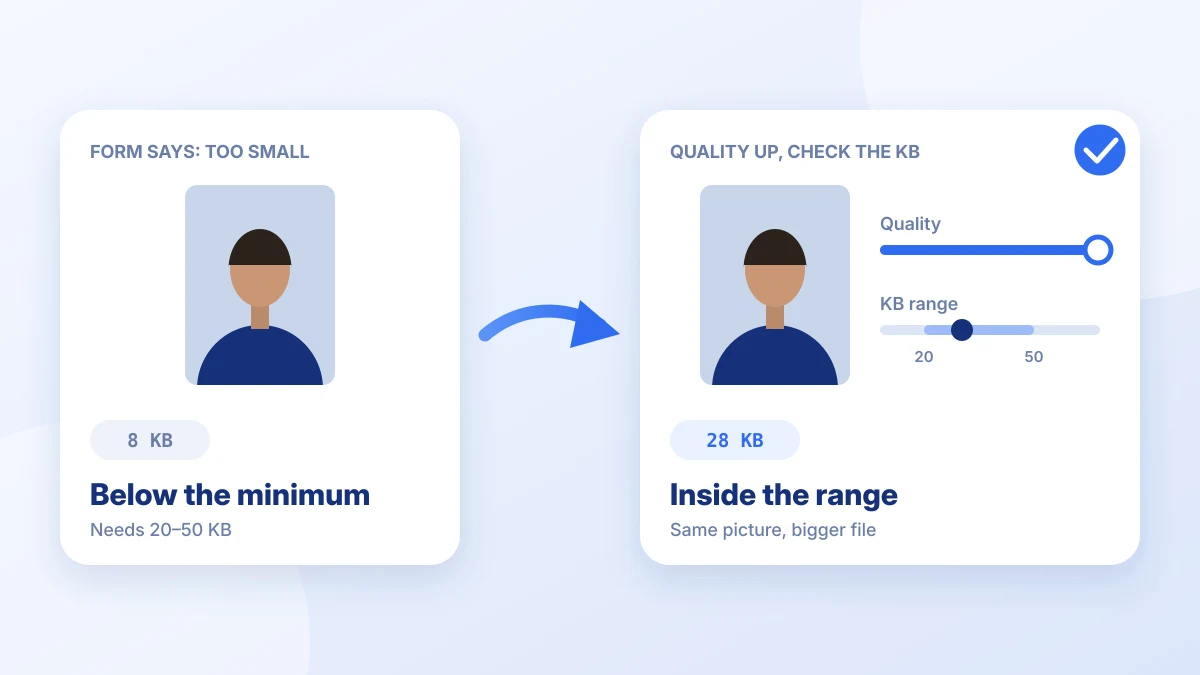
A form wants 20–50 KB and your photo is 8 KB? Raise JPG quality or enlarge it in pixels. Tested on two photos and a signature, with exact sizes.
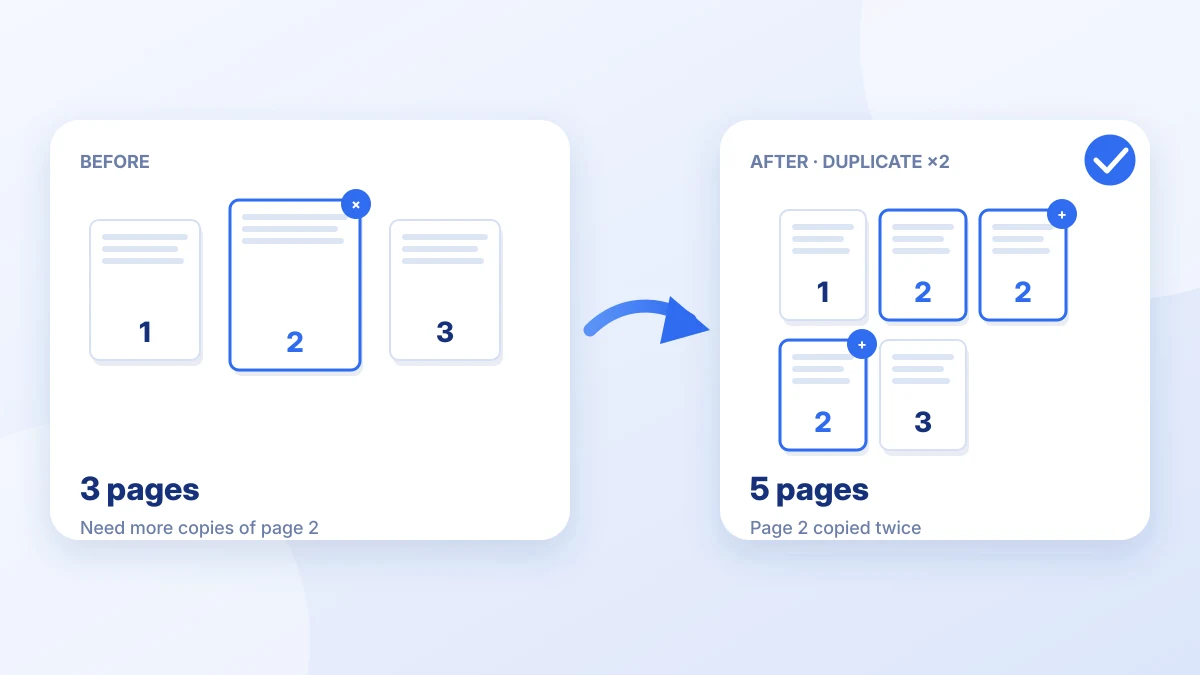
Copy one PDF page as many times as you need with Organize PDF’s Duplicate button. Tested on a 3-page form and a 1-page handout on the live tool.
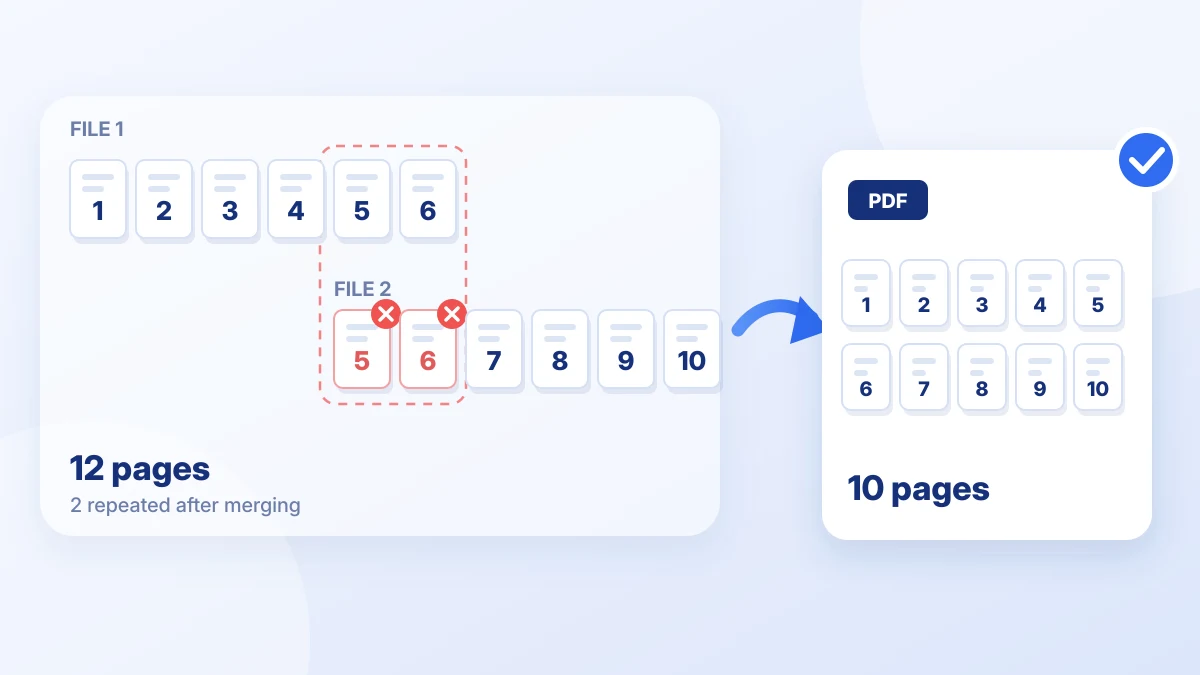
Find pages that repeat after combining PDFs, delete the extra copies, and check the final page count. Tested with overlapping files and a re-scan.