

How to Redact Sensitive Information From a PDF Safely
Learn why black boxes and cropping may not remove PDF data, then follow a safer workflow to redact, flatten, verify, and share sensitive files.
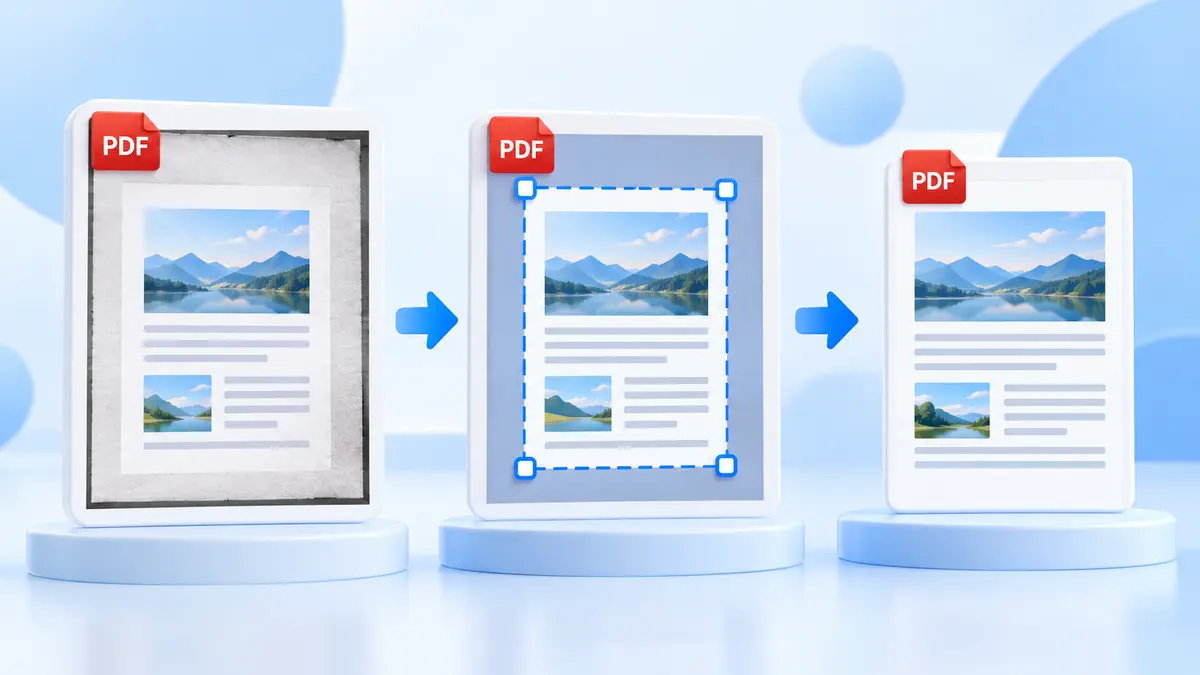
Cropping is useful for scans with dark scanner edges, slides with wide borders, or pages you want to read larger on a phone. Crop PDF lets you drag a box over the page and apply it to This page only or All pages.
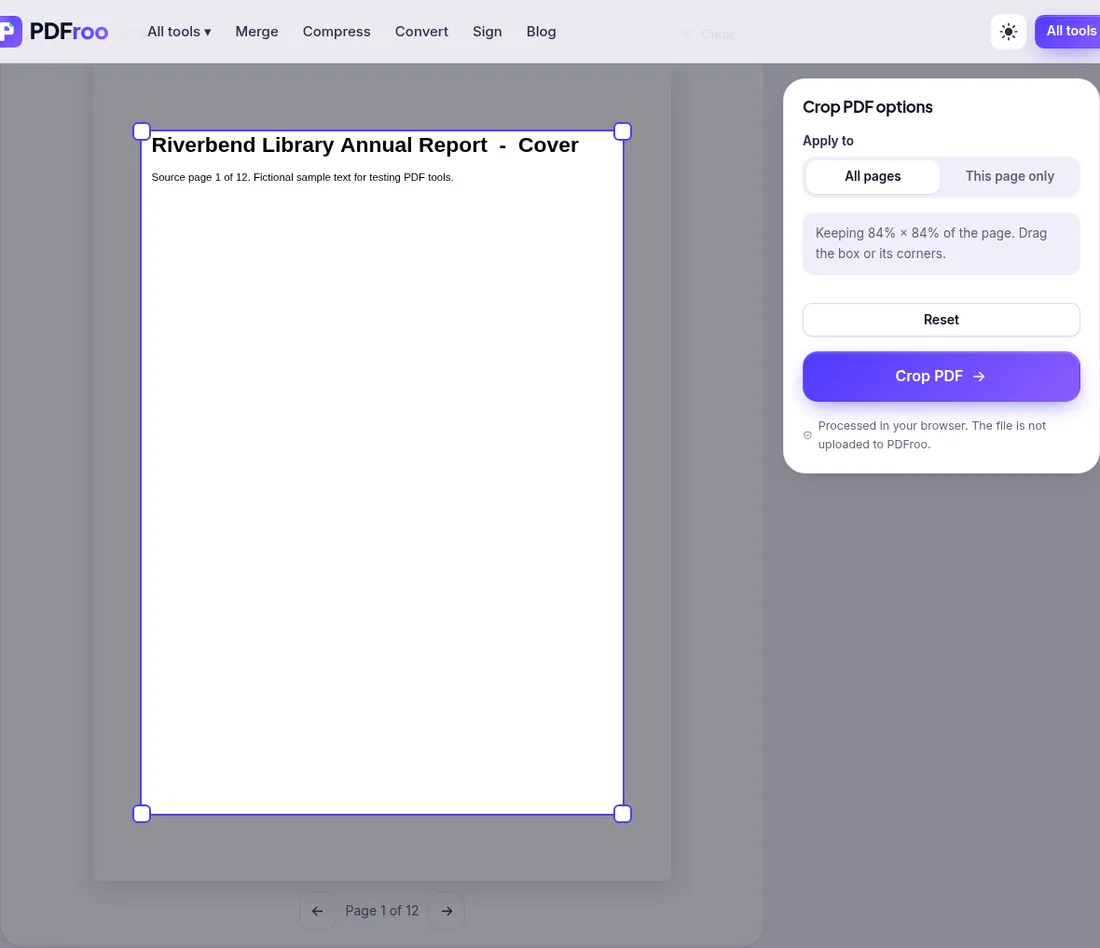
In our test the tool set both the MediaBox and CropBox of each page to [48 67 548 775] points. That changes the visible area; it does not delete anything. When we ran pdftotext on the cropped file, text outside the crop box was still extracted. Anyone with ordinary PDF software can recover it. So:
The 12 bookmarks in the test file still worked after cropping, and the file went from 9.7 KB to 5.5 KB.
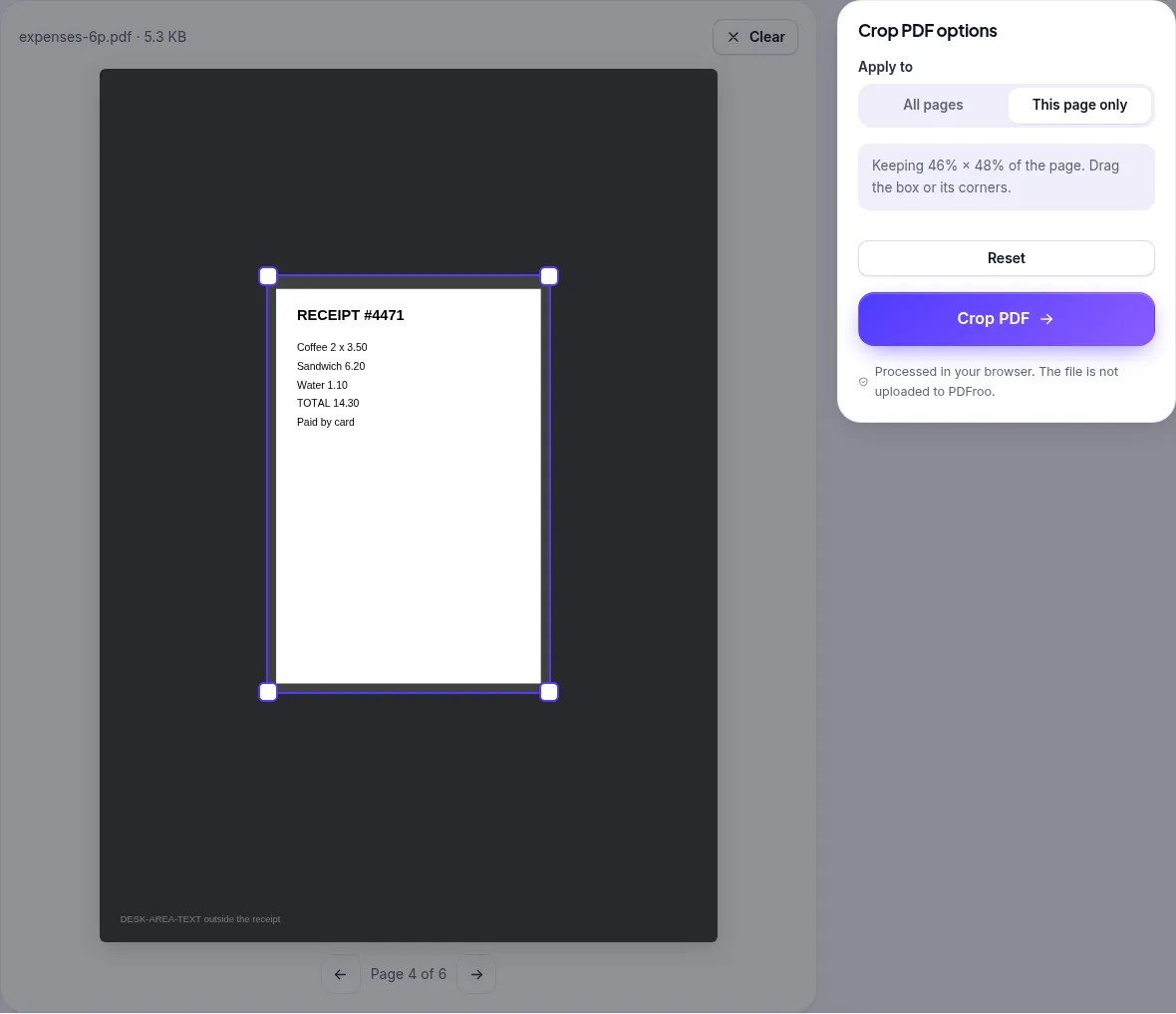
In a fictional 6-page expense report, page 4 was a scanned receipt sitting in the middle of an A4 page. With This page only and a box covering 46% × 48% of the page, only page 4 changed (to 274 × 404 pt); pages 1–3 and 5–6 stayed at the full 595 × 842 pt. This is the right choice when one page in a file needs cleaning up.
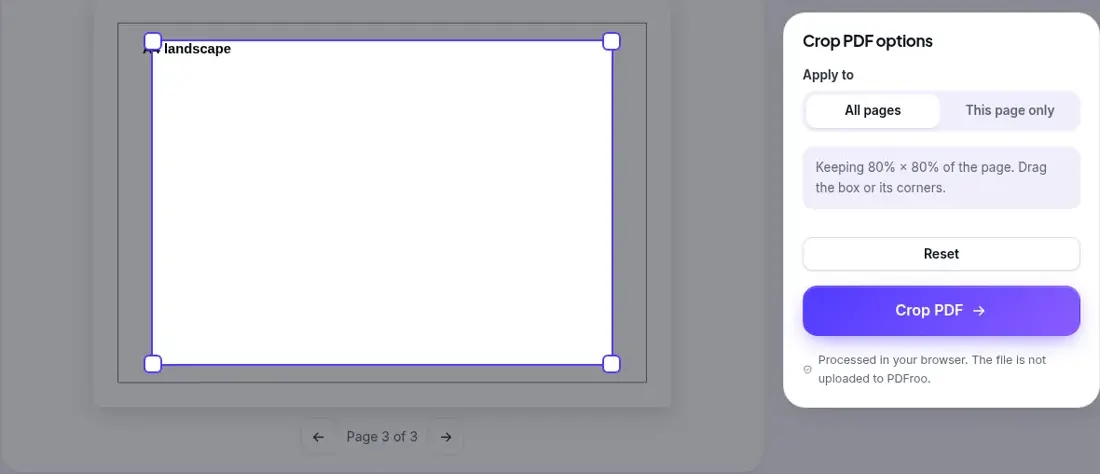
A file with an A4 portrait, a US Letter portrait and an A4 landscape page was cropped with All pages at 80%. Each page kept 80% of its own size (476 × 673, 490 × 634 and 673 × 476 pt), because the box is stored as a percentage, not in fixed millimetres. That is usually what you want for margins, but check the landscape pages: content near their edges may be cut.
On a page that had been rotated 90° in an earlier step, we kept the top half as it appeared on screen. The output kept exactly that half as displayed. You do not need to work out the rotation yourself.
Related guides: making a PDF easier to read on a phone and rotating scanned pages.
No. The cut-off area is hidden but still in the file. Our pdftotext and pypdf checks could still read it.
Yes, choose This page only. In our test only that page changed.
With All pages the box is a percentage of each page, so the same 80% applies to wide and tall pages alike. Crop odd pages one by one if needed.
In our 12-bookmark test, yes.
No. Cropping runs in your browser.
| Dates | 22 October 2026; 26 October 2026 |
|---|---|
| Environment | Google Chrome 155 and 156 (headless) on Linux x86_64, desktop viewport 1280×900, live pdfroo.com |
| Test files | Fictional 12-page report with 12 bookmarks; fictional 6-page expense report; 3-page file with A4, Letter and A4 landscape pages; 4-page report with page 2 pre-rotated 90° |
| Runs | All pages; This page only on page 4; All pages 80% on mixed sizes; top half of a rotated page |
| Results | MediaBox and CropBox set as described; untouched pages unchanged; hidden text still extractable; bookmarks kept |
Every output was checked with pypdf, pdfinfo, pdftotext, pdfimages or Pillow, and every network request the page made during processing was recorded. No request carried the file. See our tool testing methodology.
Learn why black boxes and cropping may not remove PDF data, then follow a safer workflow to redact, flatten, verify, and share sensitive files.
Make a PDF easier to read on a phone by fixing orientation, cropping wide margins, splitting long files, and preserving clear searchable text.
Type on a PDF, cover areas with white boxes or highlight text. Tested: the white box hides text visually, but the covered words remain in the file.
Turn individual pages or all pages of a PDF 90° at a time. Tested on a 12-page file: only the chosen page changed, bookmarks kept and nothing re-compressed.
Choose a page number format, skip a cover page, set a start number and check landscape or merged pages, with a tested walkthrough of PDFroo.
Mark a PDF as DRAFT or add a logo with PDFroo: opacity, angle, tiling, page ranges, what a watermark can and cannot do, and how to check the result.