

How to Compress a PDF Without Losing Too Much Quality
Learn how to compress a PDF without losing too much quality, reduce file size, and choose the right settings for email or upload.
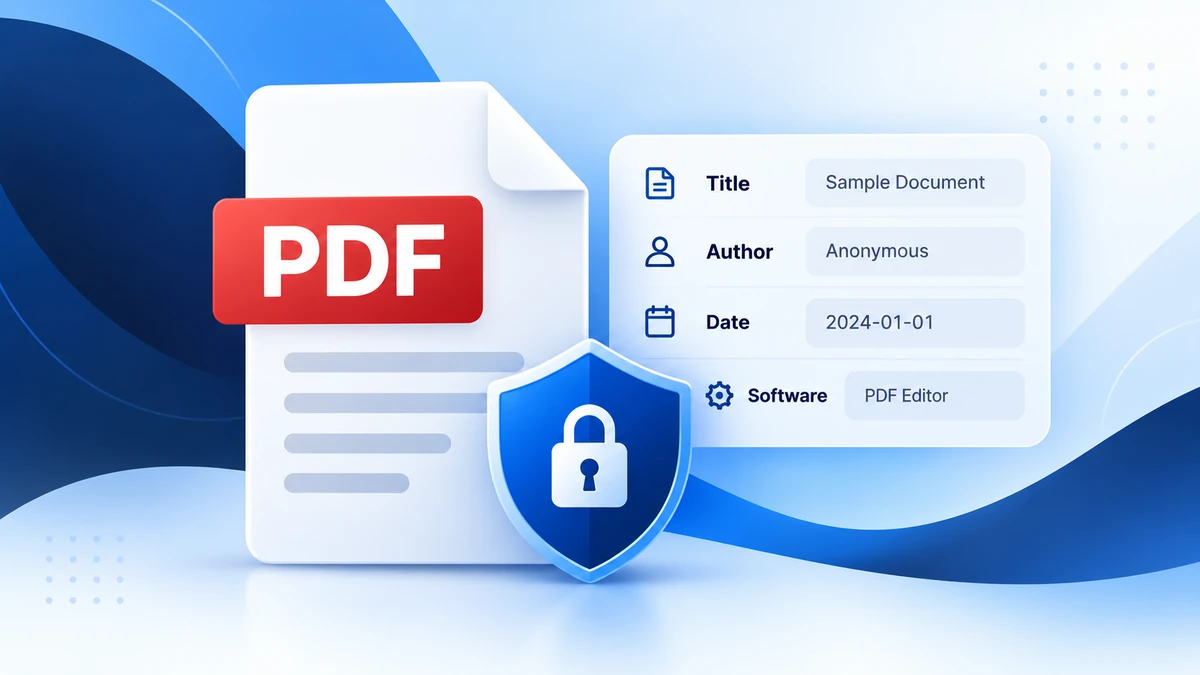
PDF files can contain more than the text and images you see on the page. Many PDFs also store hidden details called metadata. This information can include the document title, author name, software used to create the file, and creation or modification dates.
Metadata is not always harmful, but it is worth checking before you share an important document. A resume, business file, school document, legal form, or scanned record may include details you did not mean to send.
PDF metadata is information stored inside a PDF file to describe the document. Some of it helps software organize, search, or display the file correctly.
Common PDF metadata fields include:
For example, a PDF exported from a word processor may include the account name or computer username as the author. A scanned file may show the scanner software used to create it.
Most people only look at the visible pages of a PDF. But metadata can sometimes reveal extra details about how the file was made. This can matter when sharing documents publicly or sending files to someone you do not know well.
Checking metadata is useful before sharing:
Metadata may reveal simple details, such as a document title. It may also show an author name, internal file name, old software name, or editing date.
This does not mean every PDF is risky. But if you want to share a clean and professional file, it is smart to check the document properties first.
PDFroo’s PDF Metadata Editor helps you view, edit, or remove common PDF metadata fields directly in your browser.
Basic steps:
Removing metadata does not remove text or images that are visible on the page. If your name, address, phone number, or private information appears on the PDF page itself, metadata removal will not hide it.
For visible content, you need to edit or prepare the document properly before sharing. If you need to make annotations or page-level changes, use the right editing tool and review the final document carefully.
You may want to remove or clean metadata when:
For professional documents, editing the title and author fields can make the PDF look cleaner and more intentional.
PDFroo is designed around browser-based processing. When you use the PDF Metadata Editor, your file is handled locally in your browser and is not uploaded to PDFroo servers.
This is useful when checking private files, because metadata can be reviewed without sending the document to a remote server. You can read more in the Privacy Policy.
Before you send or publish a PDF, check:
No. Metadata is stored in the file properties. It is usually not visible on the document page itself.
No. Removing metadata does not delete visible text, images, form fields, or page content.
Yes, sometimes. Some apps may place an account name or computer username in the author field when exporting a PDF.
It depends on the tool. With PDFroo, metadata is read in your browser, so your PDF is not uploaded to PDFroo servers.
PDF metadata is easy to overlook, but it can be important when sharing files professionally or publicly. A quick check can help you remove unnecessary details and make your document look cleaner.
To view or clean document properties, try PDFroo’s PDF Metadata Editor.
Learn how to compress a PDF without losing too much quality, reduce file size, and choose the right settings for email or upload.
Learn how to merge PDF files in the correct order, avoid page-order mistakes, and combine documents safely in your browser.